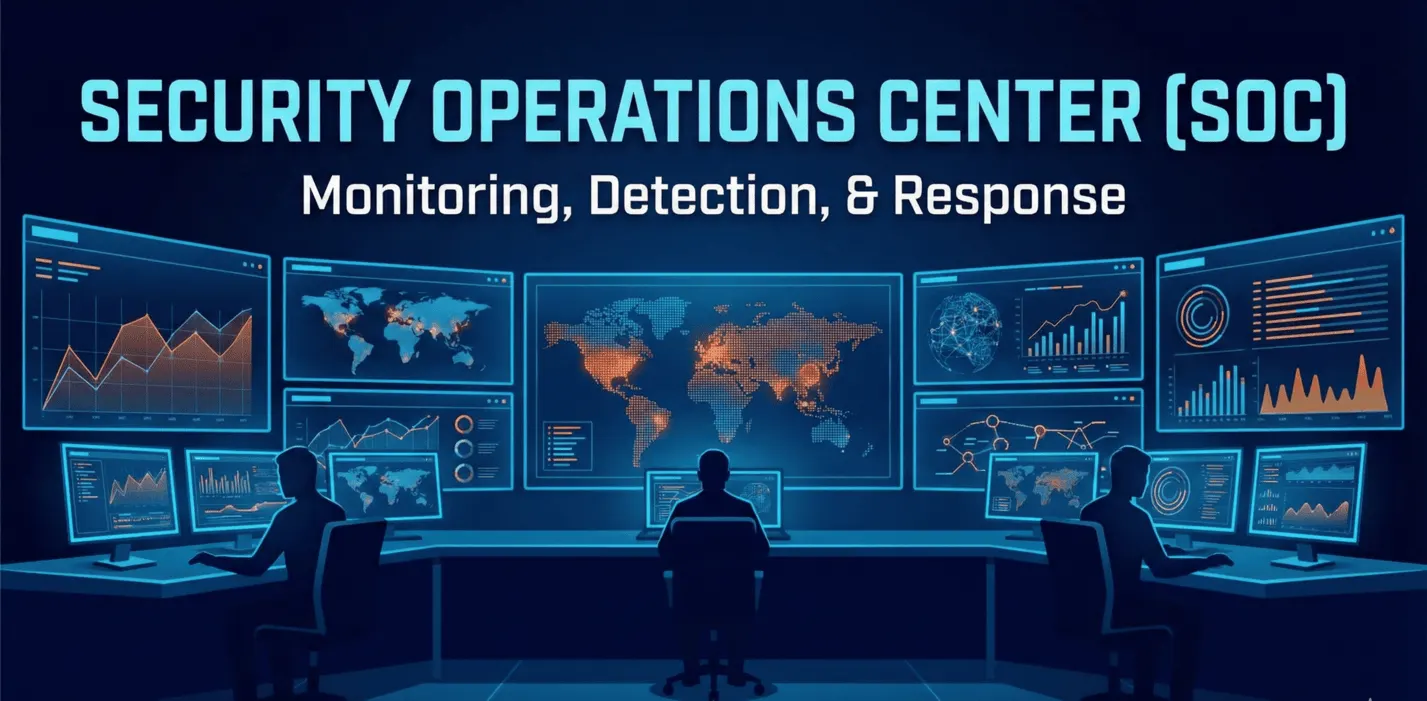
Security Operations Center (SOC): The Complete 2026 Guide to Building and Implementing a SOC
Your 2026 guide to the Security Operations Center: team structure, SIEM/XDR/SOAR, NIS2 requirements, deployment models and AI. For CISOs and IT leaders.
Cybersecurity
A practical guide to SIEM transformation: data normalization, the Pyramid of Pain and Detection as Code. Learn to detect behaviors, not just signatures.
The average breakout time (how long it takes attackers to move from initial compromise to spreading across the network, known as lateral movement) is often under two hours. Some adversaries do it in minutes.
If your SOC (Security Operations Center) depends on analysts manually reviewing alerts from static rules, you've lost the race before you even get out of your chair. We need to build a system that makes life hard for the attacker, not for the analyst.
Here is an expanded architecture for proactive threat hunting.
Most SIEM projects don't fail for lack of expensive tools. They fail because the data is a mess. Picture trying to track down a “suspicious man” when one witness describes him in French, another in Japanese, and a third gives you only his shoe size.
I mentioned ECS (Elastic Common Schema) and OCSF. Let's go further. Normalization isn't just about mapping fields. It's about standardizing values.
event.action: "authentication_success".Technical context (GeoIP) is the bare minimum. The real magic happens when you add business context.
j.kowalski isn't just a “User” but a “Domain Administrator” or the “CFO.”SRV-005 processes payment card data (PCI DSS).This is where David Bianco's Pyramid of Pain comes in.
Most systems focus on the bottom of the pyramid: file hashes, IP addresses and domains. These are easy to detect, but just as easy for an attacker to change. They switch IPs, and your rule is useless.
A modern SIEM has to aim for the top of the pyramid: TTPs (Tactics, Techniques, and Procedures).
Stop looking for "bad files." Start looking for "strange behavior."
winword.exe (Word) trying to launch powershell.exe and connect to the internet?”Threat hunting isn't about staring at a screen and waiting for inspiration. It's a scientific process.
If your detection rules exist only in your SIEM's point-and-click interface, you're a hostage to that vendor.
Treat detection rules (for example, YAML files in Sigma format) the same way you treat application code:
This eliminates “configuration drift” and the kind of situation where someone accidentally disabled a critical alert three months ago and nobody noticed.
We have to balance greed (we want all the data) against economics (we don't have NASA's budget). Let's flesh out the storage model:
The theory sounds good, but what does it look like at the keyboard? Instead of clicking around a GUI, we write a rule. Here's a simple Sigma rule that detects Word launching PowerShell (a classic Initial Access pattern):
title: Suspicious PowerShell Child Process
id: 1234-5678-90ab-cdef
status: experimental
description: Detects PowerShell being spawned by Microsoft Word
author: SecurHub
logsource:
    category: process_creation
    product: windows
detection:
    selection:
        ParentImage|endswith:
            - '\winword.exe'
        Image|endswith:
            - '\powershell.exe'
    condition: selection
level: high
tags:
    - attack.execution
    - attack.t1059.001
The file goes into a Git repository. A CI/CD pipeline converts it into a query your SIEM understands (for example, Elastic DSL or Splunk SPL) and deploys it. No manual clicking at all.
You don't need a bank's budget to get started. You can build a powerful SOC and pay only for electricity and engineering time. Here's the modern threat hunter's "starter pack":
Finally, the most important element, and one you won't find in any configuration file: mindset.
The best SIEM is one that takes repetitive, tedious work off people's plates (automation, filtering out false positives) so they can do what AI is still bad at: connecting the dots, thinking creatively and understanding context that isn't in the logs.
Don't build a data museum. Build a command center.
Aleksander
A traditional SOC is reactive: it responds to alerts generated by security systems. Threat hunting is proactive. You assume your defenses have already failed and actively search for signs of an intruder, working from hypotheses rather than ready-made signatures.
No. A SIEM makes it easier to centralize data, but you can start threat hunting by analyzing endpoint logs (for example, Sysmon or EDR) or with simple open-source tools. What matters most is the analyst's knowledge and a clear understanding of what you're looking for (TTPs), not the tool.
It's a model that shows how different types of indicators of compromise (IoCs) relate to how much pain detecting them causes the attacker. At the bottom are hashes and IP addresses, which are easy for an attacker to change. At the top are TTPs (tactics, techniques and procedures). Detecting and blocking those forces the attacker to replace their entire toolkit, which is "painful" and expensive for them.
By adopting a "Detection as Code" approach. When a hunting hypothesis pays off (you find a threat or confirm that a behavior is suspicious), turn it into an automated detection rule (for example, in Sigma format) and deploy it to your SIEM so it can catch that threat on its own in the future.
Without normalization (for example, to the ECS or OCSF standard), an analyst has to write a separate query for every system: Windows, Linux, the firewall. Standardized field names let you search the entire environment with a single query, which dramatically speeds up anomaly detection.
Read more
Your 2026 guide to the Security Operations Center: team structure, SIEM/XDR/SOAR, NIS2 requirements, deployment models and AI. For CISOs and IT leaders.
Traditional security waits for a breach. Threat hunting goes looking for it. Learn why controlled paranoia is the healthiest strategy for your business.
SOC analysts are drowning in false alarms. Here's how SOAR playbooks and agentic AI cut response times from hours to seconds and help end alert fatigue.
A free consultation with one of our experts — no obligation, in full confidence.
Let's talkWe'd like to use Google Analytics cookies to see how many people visit the site and which content is useful. We'll only set them if you agree. You can change your decision at any time via the “Cookie settings” link in the footer. Cookies Policy