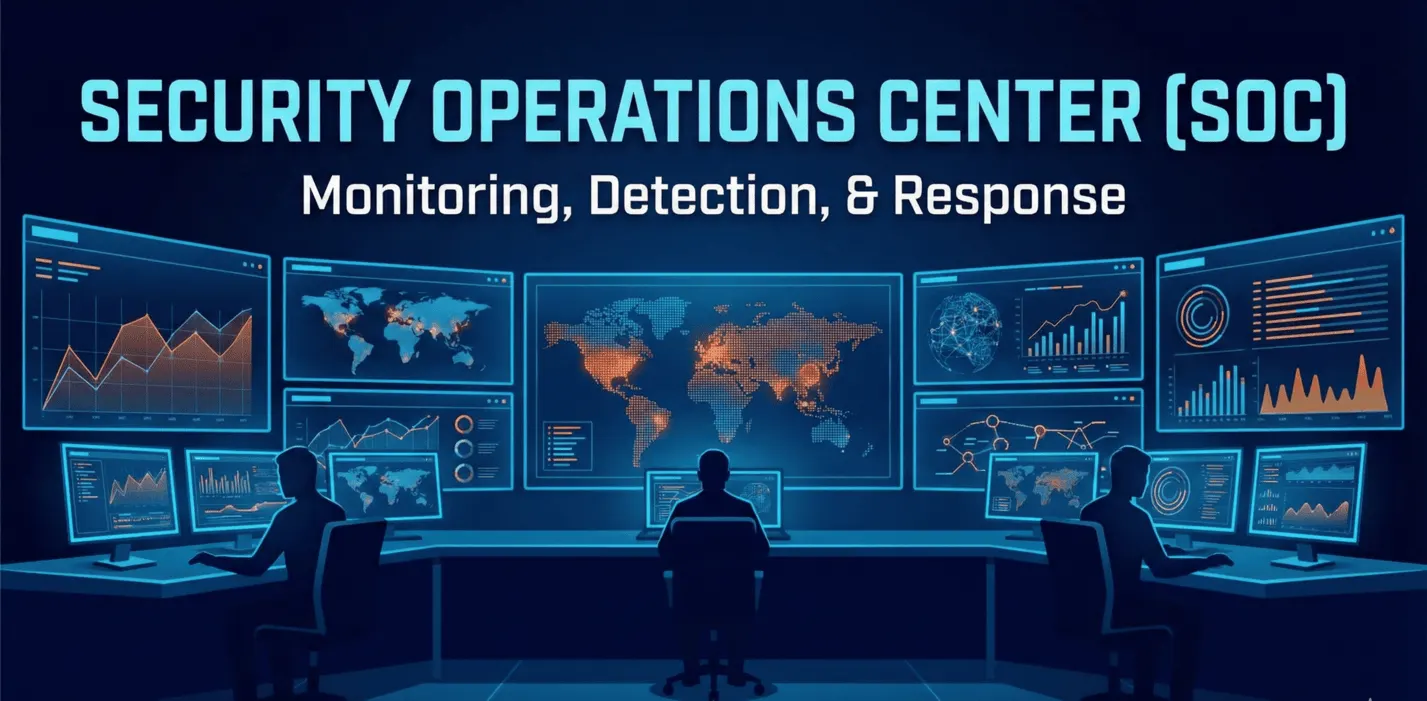
Security Operations Center (SOC): The Complete 2026 Guide to Building and Implementing a SOC
Your 2026 guide to the Security Operations Center: team structure, SIEM/XDR/SOAR, NIS2 requirements, deployment models and AI. For CISOs and IT leaders.
Cybersecurity
Traditional security waits for a breach. Threat hunting goes looking for it. Learn why controlled paranoia is the healthiest strategy for your business.

Picture a security guard sitting in a booth. They have a wall of monitors, motion sensors and a tall electric fence. They stay calm until the siren goes off. That's the traditional approach to cybersecurity. Now picture someone who doesn't wait for the siren. Someone who walks the halls, checks locked doors and listens for quiet footsteps, assuming the burglar is already inside. That's threat hunting.
When the average time an intruder spends inside a network (the so-called dwell time) is measured in weeks or even months, a "sit back and wait for the antivirus alert" strategy is like treating the flu only once the patient is on a ventilator.
I went through the latest guidance on advanced threat hunting and pulled out the lessons that change how we think about digital defense.
The hardest shift isn't about technology. It's about psychology. You have to start from the assumption that you've already been hacked. Sounds pessimistic? Maybe. But it's the kind of pessimism that saves companies.
Traditional security systems (SIEM, IDS) are built around known threats. They look for virus signatures that someone has already seen. A threat hunter works differently. They look for anomalies. They ask questions like, "Why is someone in accounting connecting to a database server at 3:00 a.m.?" even if the system never flagged it as a problem.
Threat hunting isn't just another technology layer. It's a fundamental shift in security philosophy, one that assumes compromise of your infrastructure is inevitable.
One of the most fascinating (and frightening) trends in modern attacks is the "Living off the Land" (LotL) technique. Attackers have stopped bringing their own easy-to-detect burglary tools. Instead, they get into your network and use whatever they find there.
PowerShell? WMI? Remote desktop tools? For an administrator, they're everyday essentials. For an attacker, they're perfect camouflage.
That's why modern threat hunting looks a lot like detective work: rather than searching for the murder weapon, you study the suspect's behavior. For example, we focus on Sysmon Event ID 8 (CreateRemoteThread). That's the technical name for a situation where one process tries to "inject" code into another. Sometimes it's normal system behavior. Often, though, it's malware trying to hide inside Notepad or Calculator.
Threat hunters talk about the "Pyramid of Pain." It's a model that ranks attack indicators by how much it "hurts" the attacker when you detect them.
Block a specific file, and the attacker simply sends another one. Detect and block their modus operandi (for example, the Pass-the-Hash technique), and you force them to relearn everything from scratch. That hurts. And that's exactly the point.
AI and automation are rapidly making their way into cybersecurity, but threat hunting remains a distinctly human discipline. It takes intuition, creativity and the ability to connect dots a machine would never connect.
It also takes the courage to stop trusting the silence in your system logs. Because in cybersecurity, silence rarely means peace. Usually it just means you don't know what to look for.
What about you? When was the last time you went through your logs for no particular reason, just to go "hunting"?
Aleksander
Suspect that an advanced adversary may be lurking in your network undetected? Want to build your own threat hunting team or bring in outside experts? Contact us and we'll help you uncover hidden threats and launch a proactive hunting program.
📧 Talk to a Threat Hunting Expert →
#ThreatHunting #ProactiveDefense #AssumedBreach #SOC #Tier3Analyst #LivingOffTheLand #LotL #PyramidOfPain #TTP #MITREATTACK #Sysmon #EDR #XDR #CTI #CyberThreatIntelligence #APT #DwellTime #Forensics #MalwareAnalysis #BlueTeam #IncidentResponse #AnomalyDetection
Threat hunting is the proactive search for threats in your IT infrastructure, based on the assumption that an advanced adversary is already inside the network but remains invisible to traditional detection systems (SIEM, IDS, antivirus). Instead of reacting to alerts, a threat hunter actively looks for anomalies, even when no system has flagged them as suspicious.
Traditional SOC (Tier 1/2 analysts):
Threat hunting (Tier 3 analysts):
"Assumed Breach" is the threat hunter's mindset: it assumes that the organization has already been hacked and that an adversary is operating undetected inside the network. This isn't pessimism. It's a realistic approach grounded in the numbers:
This philosophy pushes threat hunters to look for what the systems can't see.
Living off the Land (LotL) is a technique in which attackers don't bring their own tools (which antivirus can easily detect) but instead use legitimate system tools already present in the environment:
Examples of LotL tools:
Why does it work? Administrators use these tools every day, so their activity doesn't raise suspicion. A threat hunter has to analyze the context of use, not just the tool itself.
Sysmon Event ID 8 is an event that logs a situation where one process attempts to inject code into another process (process injection). It's the technical name for a common malware technique:
Normal scenario:
Suspicious scenario:
Threat hunters monitor Sysmon Event ID 8 for unusual process pairs (for example, PowerShell → lsass.exe may indicate credential theft).
The Pyramid of Pain is a model that ranks attack indicators (Indicators of Compromise) by how much it "hurts" the attacker when you detect them:
From the bottom (easy to get around):
At the top (hurts the most): 6. TTPs (Tactics, Techniques, Procedures) - the attacker's modus operandi (months or years of work)
Bottom line: Threat hunters focus on detecting and blocking TTPs because it forces the adversary to rebuild their entire attack strategy.
TTPs (Tactics, Techniques, and Procedures) are:
TTP example:
Detecting TTPs is the foundation of threat hunting because it holds up far longer than detecting specific files or IP addresses.
Cyber Threat Intelligence (CTI) is intelligence about threats that provides context on:
How CTI supports threat hunting:
Key threat hunting tools:
Log and telemetry analysis:
Threat Intelligence:
Forensic analysis:
Query languages:
Key metrics:
Threat hunting is resource-intensive and requires highly skilled (Tier 3) specialists. Small businesses usually don't have the resources for an in-house threat hunting team.
Options for small businesses:
Mid-sized and large companies should invest in their own threat hunting team or a hybrid model.
Required skills:
Career path:
Certifications:
Read more
Your 2026 guide to the Security Operations Center: team structure, SIEM/XDR/SOAR, NIS2 requirements, deployment models and AI. For CISOs and IT leaders.
SOC analysts are drowning in false alarms. Here's how SOAR playbooks and agentic AI cut response times from hours to seconds and help end alert fatigue.
A practical guide to SIEM transformation: data normalization, the Pyramid of Pain and Detection as Code. Learn to detect behaviors, not just signatures.
A free consultation with one of our experts — no obligation, in full confidence.
Let's talkWe'd like to use Google Analytics cookies to see how many people visit the site and which content is useful. We'll only set them if you agree. You can change your decision at any time via the “Cookie settings” link in the footer. Cookies Policy